client-side HUD · Minecraft 1.20.1 · Fabric
Coords HUD: a Minecraft client-side HUD mod made with Modable
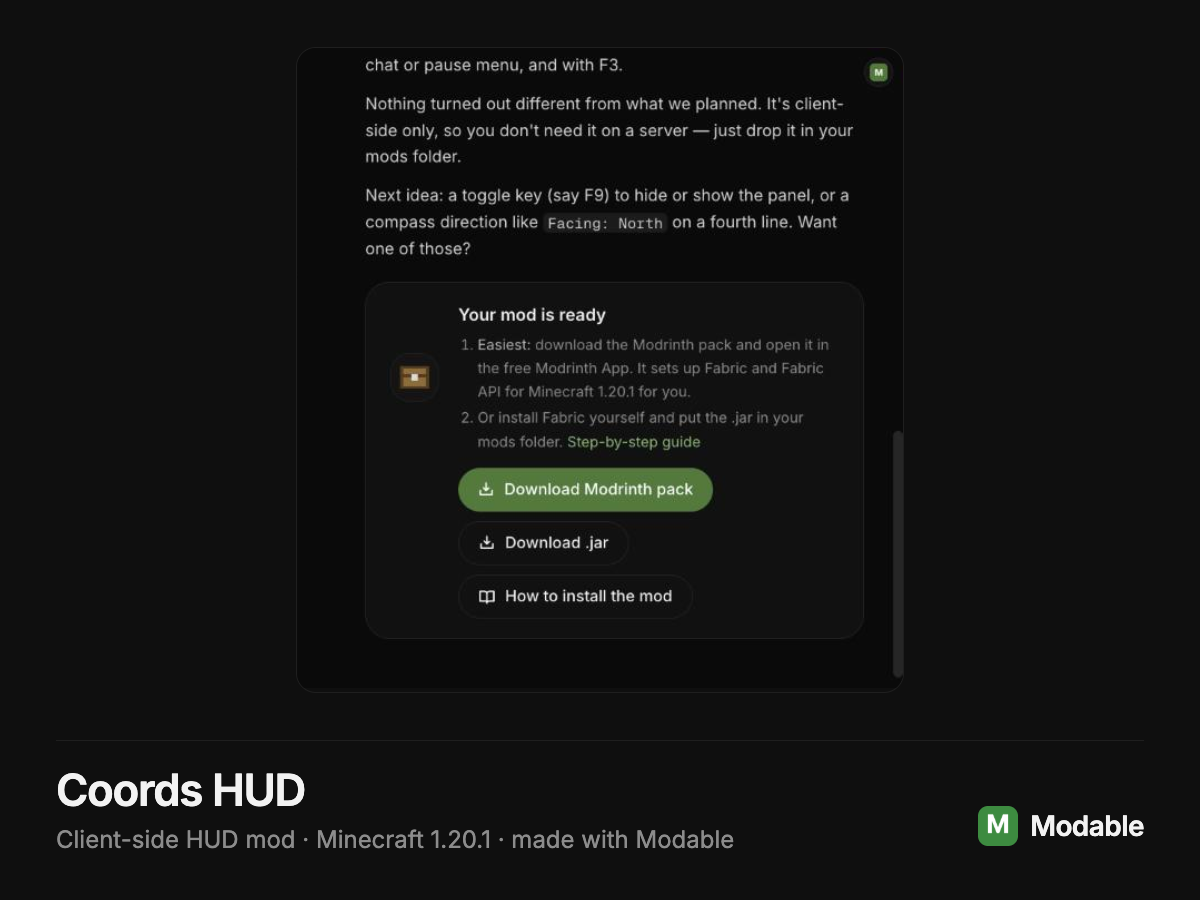
Built from one sentence. It is client-only, so the server startup test doesn't apply: it was compiled and packaged.
What was typed
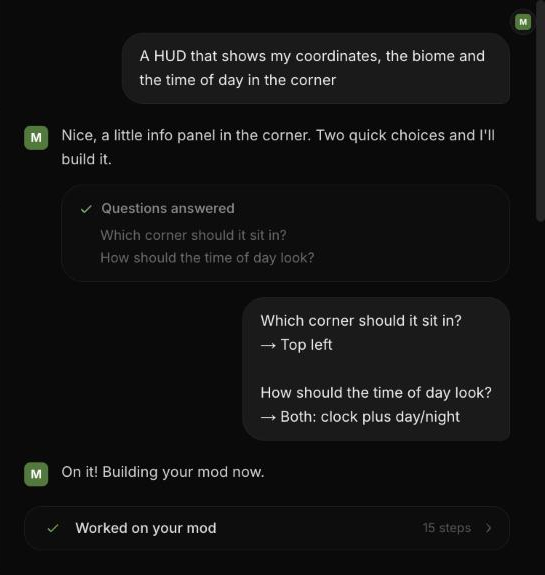
“A HUD that shows my coordinates, the biome and the time of day in the corner”
Modable then asked a few quick questions. Picked: Top left · Both: clock plus day/night.
What it does
- A small dark rounded box sits in the top-left corner of the screen with three white lines.
- Line 1 shows your coordinates as whole numbers, for example X: 128 Y: 71 Z: -34, updating as you move.
- Line 2 shows the biome you are standing in, with the game's own name for it.
- Line 3 shows a 24-hour clock and a Day or Night word, for example Time: 14:20 Day. Day runs from 06:00 to 17:59. It also works in the Nether and the End.
- The panel hides when the inventory, a chest, the pause menu, chat or the F3 screen is open, and comes back when you return to the world.
What’s in the mod
- No items, blocks or mobs. The mod only adds the HUD panel.
More pictures
What to know
- Nothing turned out different from the idea.
- It is always on: there is no key or setting to hide it.
- It is client-side only, so you don't need it on a server, only on your own game.
Make your own version
The prompt opens in the prompt box. Change it however you like, pick your Minecraft version and Modable builds it. Modable is an AI Minecraft mod generator: describe a mod in plain English and get a working Fabric .jar. Free trial: 1 free build, no card.
More mods made with Modable